Cursor Cloud Agents Can Now Run on Windows and Linux via Cua
- Source
- Cua
- Date

1/ You can now run @cursor_ai Cloud Agent workers on Windows and Linux with Cua Cloud Fleets. Cursor runs the agent loop while your worker executes tools in a Cua VM. Launch a Cloud Fleet: https://t.co/OME0RPUXOL Here's how it works.
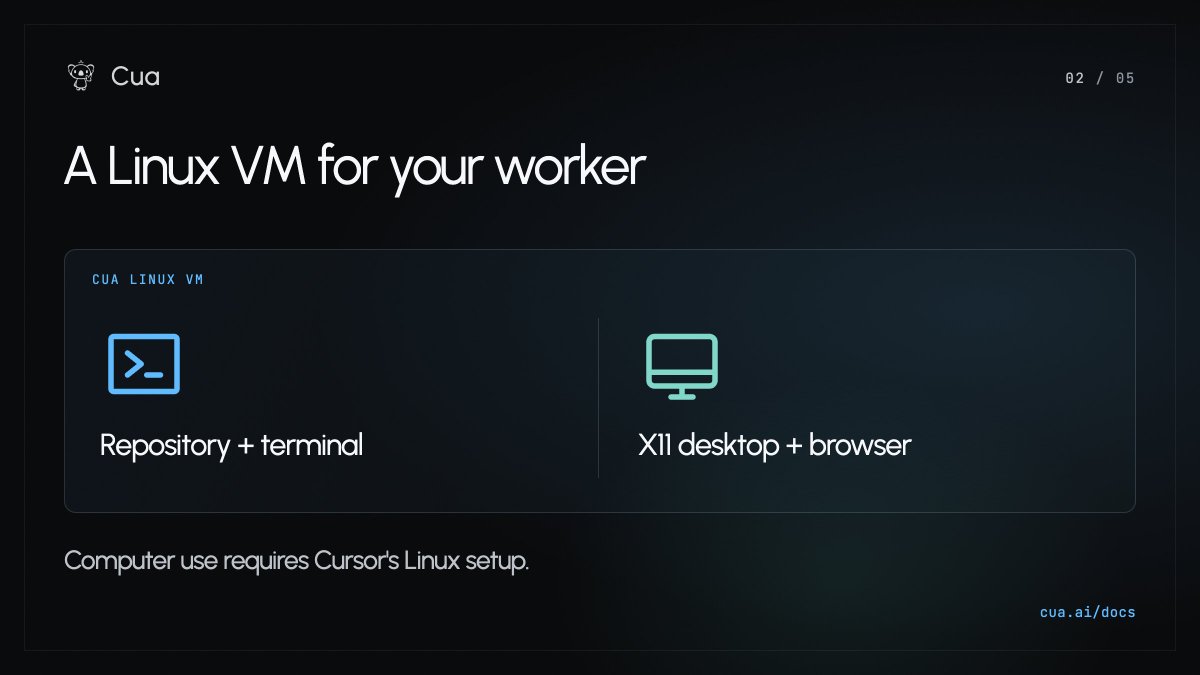
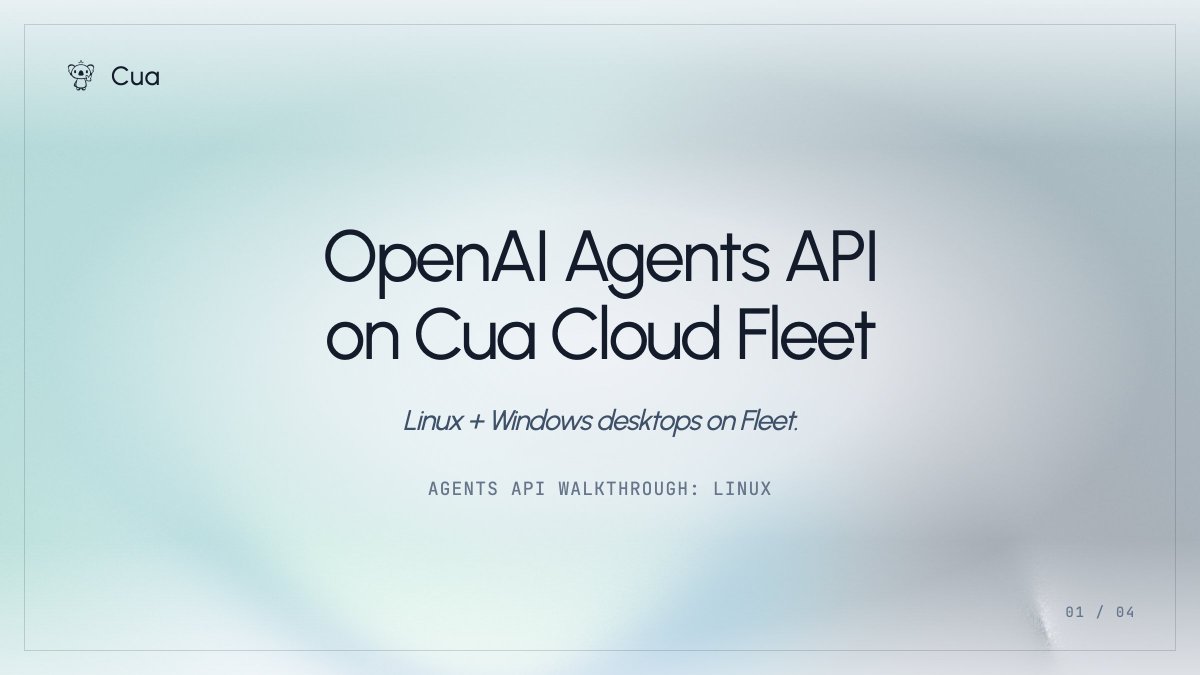
2/ The guide walks through a Linux worker with repository checkout and terminal tools, plus an XFCE/X11 desktop and browser. For graphical tasks, enable Cursor's computer-use option and complete its Linux setup checks.
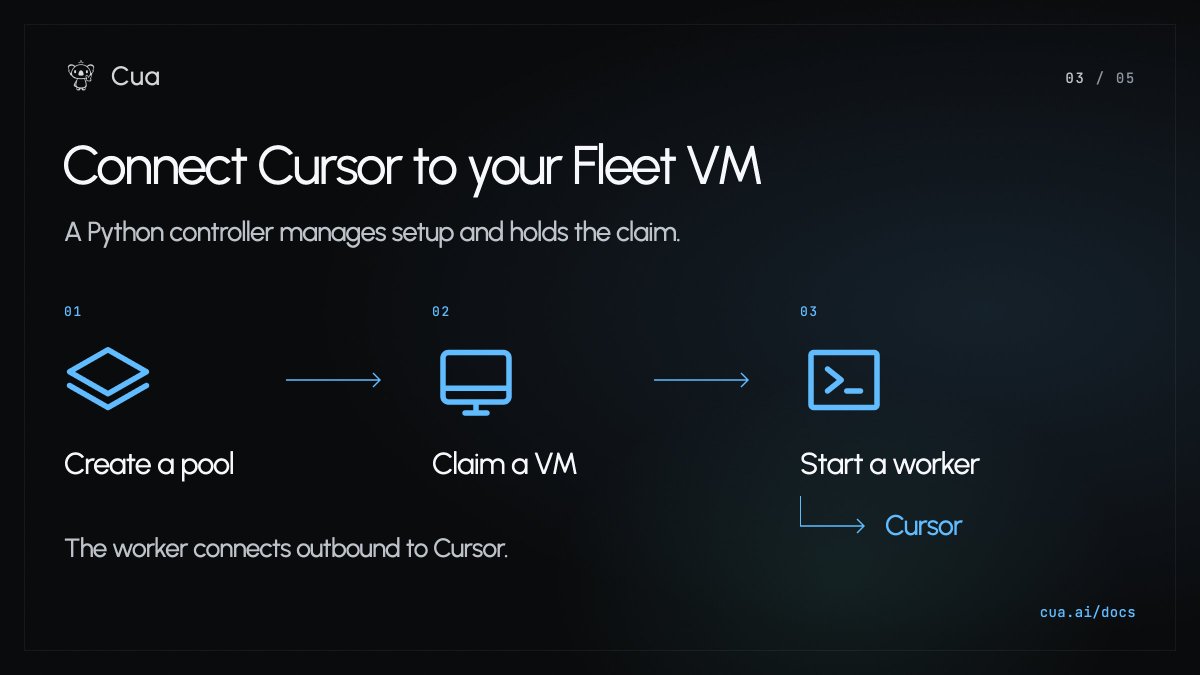
3/ A Python controller creates a Cua pool, claims a VM, and starts the Cursor worker inside it. The worker connects outbound to Cursor and sends back tool results. Pick its Team Pool when launching a Cloud Agent run.
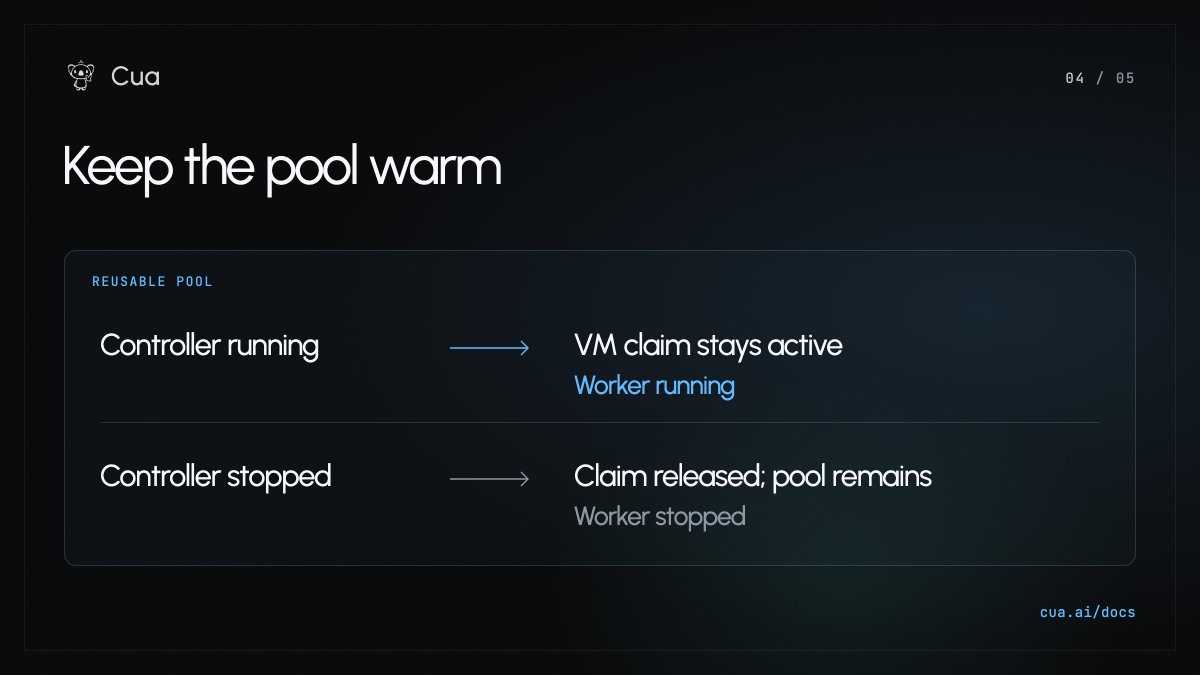
4/ Keep the controller running while the worker is active. Stopping it releases the VM claim; the pool keeps warm capacity for your next run. The guide covers one worker. Scaling from Cursor's queue needs an additional controller.
- A Python controller creates a Cua pool, claims a VM and starts the Cursor worker inside it. The worker connects outbound to Cursor and returns tool results, and users select its Team Pool when launching a Cloud run.
- The controller must stay running while the worker is active; stopping it releases the VM claim while the pool keeps warm capacity. The guide covers a single worker, and scaling from Cursor's queue needs an additional controller.
- The Linux guide sets up repository checkout and terminal tools plus an XFCE/X11 desktop and browser; graphical tasks need Cursor's computer-use option and its Linux setup checks. Prerequisites include a Cursor service-account API key and Cua Fleet credentials.
- AI agent — An AI system that doesn't just answer once but works toward a goal in a loop — taking actions, reading the results, and deciding what to do next.
- agentic loop — The cycle an agent runs in: decide, call a tool, read the result, decide again — repeating until the goal is met or a stop condition fires.
Extends Cursor's Cloud Agent beyond its default environment to Windows/Linux desktops with real GUI tools, useful for teams needing OS-specific tool access.

Checking sign-in…
Loading comments…